Figma-to-WordPress
Taking an Approved Figma Design Into WordPress Production
A design agency has an approved business website design and needs development support. The desktop layouts are signed off, but mobile states and form behaviour still need clarification before production can be scoped with confidence.
- Agency type
- Design agency (illustrative)
- Project
- Business website from an approved Figma design
- Services
- WordPress development
- Stack
- WordPress, page templates, form handling
- Engagement
- Single project, white-label
- Status
- Demonstration scenario, not delivered work
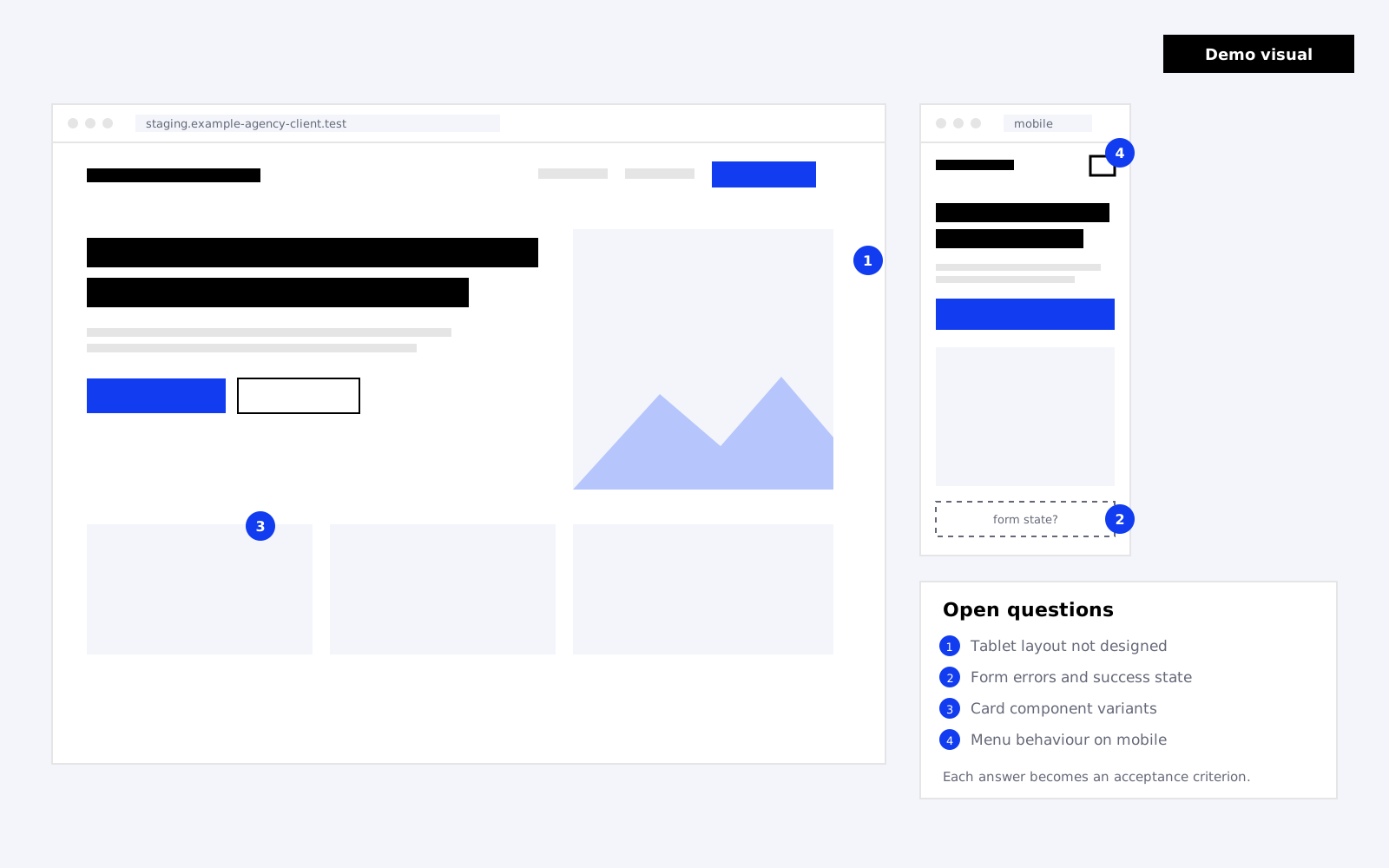
Demo visual created for this scenario. It is not a screenshot of delivered client work.
Executive summary
- Situation: approved desktop design, incomplete responsive and form states.
- Proposed response: a structured design review that turns open questions into acceptance criteria before the quote is confirmed.
- Build approach: reusable templates and components, staged on a private site, tested against the agreed criteria.
- What is not claimed: no timeline, cost, client identity or measured result. This page shows the format only.
Challenge
The agency’s client has approved the desktop design for a business website: a homepage, service pages, an about page, a contact page and a simple news section. The design is strong, and the client expects the live site to match it.
The gaps are the ordinary ones that appear when a design moves into development:
- Mobile layouts exist for the homepage only. Tablet layouts haven’t been designed.
- The contact form shows fields, but not validation errors, a success message, or where submissions go.
- Cards appear in several slightly different versions, and it isn’t clear which differences are intentional.
- The mobile menu behaviour hasn’t been specified.
None of these block the project. Left unresolved, each becomes a decision made during the build, often without the designer, and usually discovered during client review.
Proposed approach
Before production is quoted, the design is reviewed with the agency’s designer or project lead. The aim is to separate what is decided from what is assumed.
Review the design inputs
Each page and component is checked for responsive states, interaction states, real content length and functionality. Every open question is written down and assigned an owner on the agency side.
Agree reusable templates
Instead of building each page as a one-off, layouts are grouped into a small set of templates and components. Card variants are consolidated where the differences aren’t intentional, which keeps the site easier for the client to edit.
Turn answers into acceptance criteria
Each resolved question becomes a criterion the build can be checked against, for example: “On screens narrower than the tablet breakpoint, service cards stack in a single column, and the image sits above the heading.”
Implementation considerations
- Responsive behaviour: where tablet layouts aren’t designed, the agreed rule for each template is recorded rather than improvised.
- Form requirements: fields, validation messages, success state, notification recipients, spam protection and any CRM connection are confirmed.
- Editable content: the client’s team should be able to update text and images without affecting layout. Which areas are editable is agreed per template.
- Assets: final images, icons and fonts, including font licensing for the web, are confirmed before build.
- Staging: the build happens on a private staging site, kept out of search engines, that the agency can review at any point.
QA and handoff
QA checks the site against the acceptance criteria rather than against general impressions. In this scenario, that would include:
- Each template at the agreed breakpoints, using real content
- Form validation, success state and delivery of a test submission
- Mobile menu by touch and keyboard
- Visible focus, heading order and image alternatives on key templates
- Broken links and missing assets
Handoff includes staging access, a short editing guide for the client’s team, and notes on anything deliberately left out of scope, so the agency can present the site with confidence.
Expected benefits (not measured)
Because this is a demonstration, nothing below has been measured. These are the outcomes the approach is designed to encourage:
- Fewer design decisions made silently during development.
- Client review focused on content and polish rather than missing states.
- A site the client’s team can edit without breaking layouts.
How success would be measured
In a real engagement, the agency and Softvole could agree simple measures at the start:
- Number of open design questions resolved before production versus raised during it.
- Rounds of review feedback, and how much relates to items outside the agreed criteria.
- Acceptance criteria passed at the first QA check.
- Whether the agreed handoff date was met, and why if not.
Constraints and lessons to consider
- A design review only helps if someone on the agency side can make decisions quickly.
- Consolidating component variants may need the designer’s approval, even when the change is small.
- Font licences and third-party form tools can add cost that wasn’t in the original estimate.
Related
Related examples.
-
Planning a WooCommerce Build Around Launch Dependencies
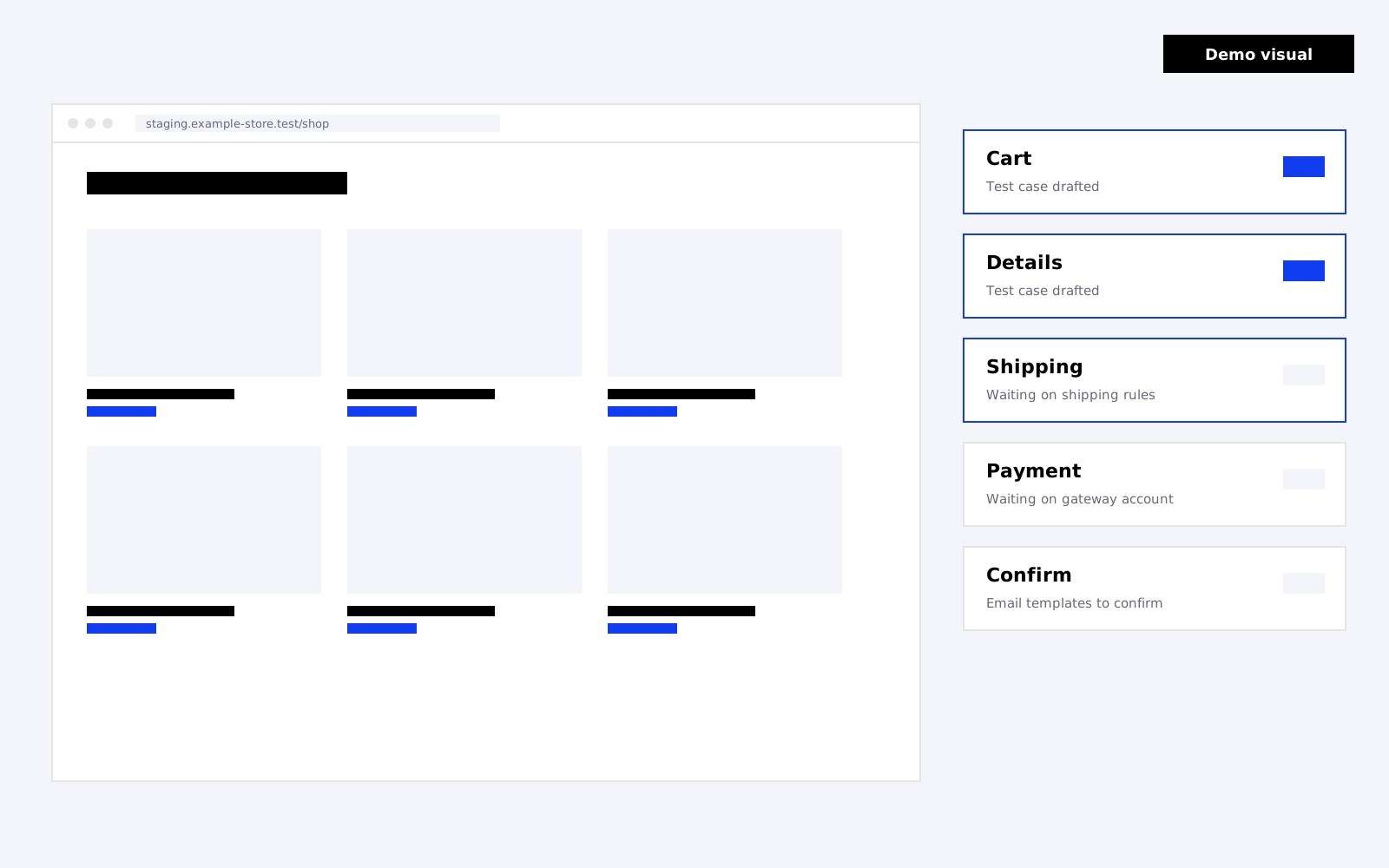
A marketing agency needs a store built while product data, shipping rules and payment configuration are still being finalised.
-
Defining an Ongoing WordPress Care Workflow
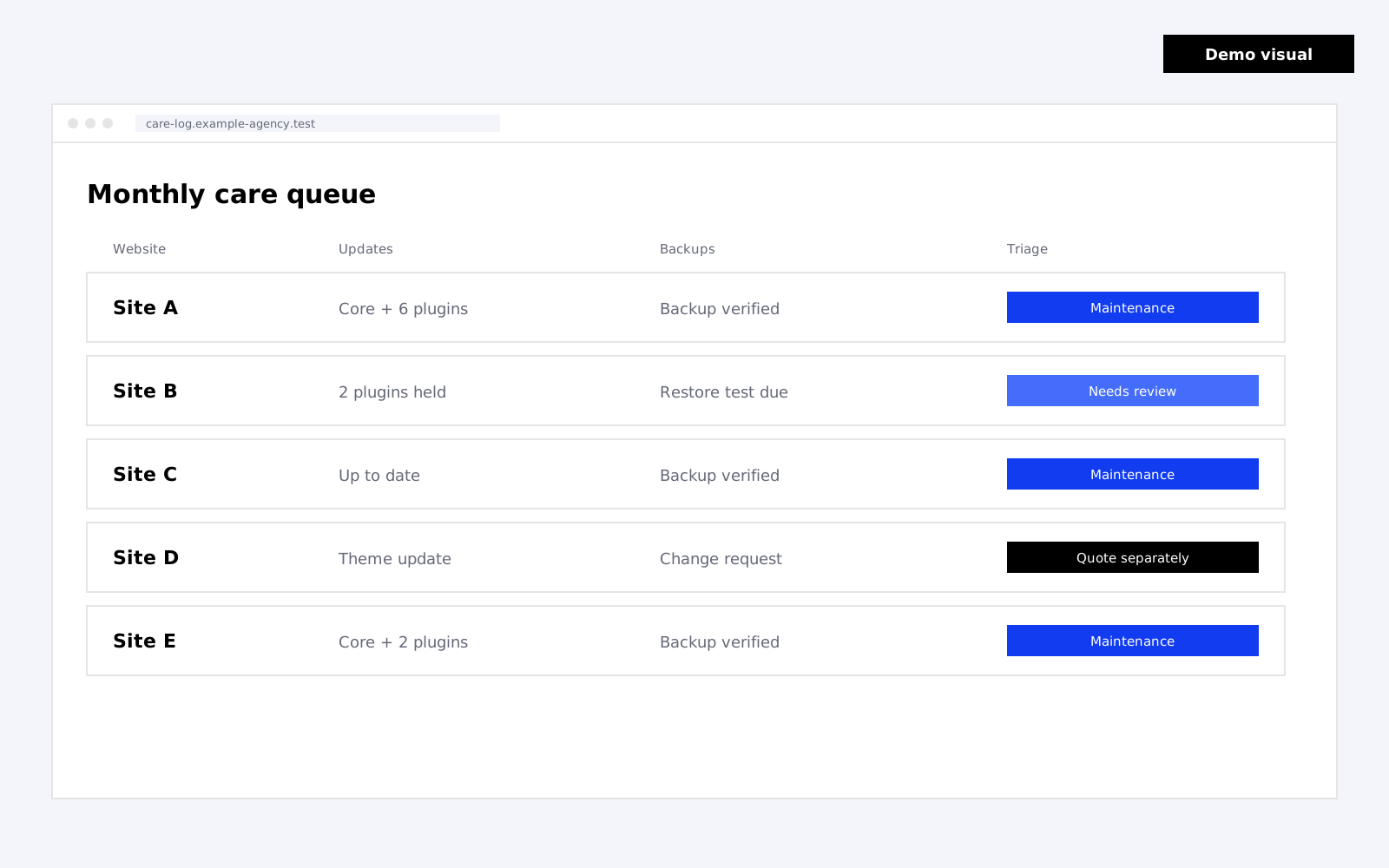
A web agency wants a clearer process for updates, support requests, backups and larger change requests across client websites.
Next step
Discuss a similar project.
If your agency has a project with similar questions, share the brief and what your team will handle. We’ll work out what production would require.